
Why a Shared Google Doc Is the Wrong Home for Your Family's Important Papers
Think about the last time you needed to find your home insurance policy number. Did you pull it from a physical folder? Or did you open a browser tab and search through a chaotic list of files in a shared cloud drive? If it was the latter, you are likely part of a growing group of families trying to organize their lives using tools that were never built for sensitive documents.
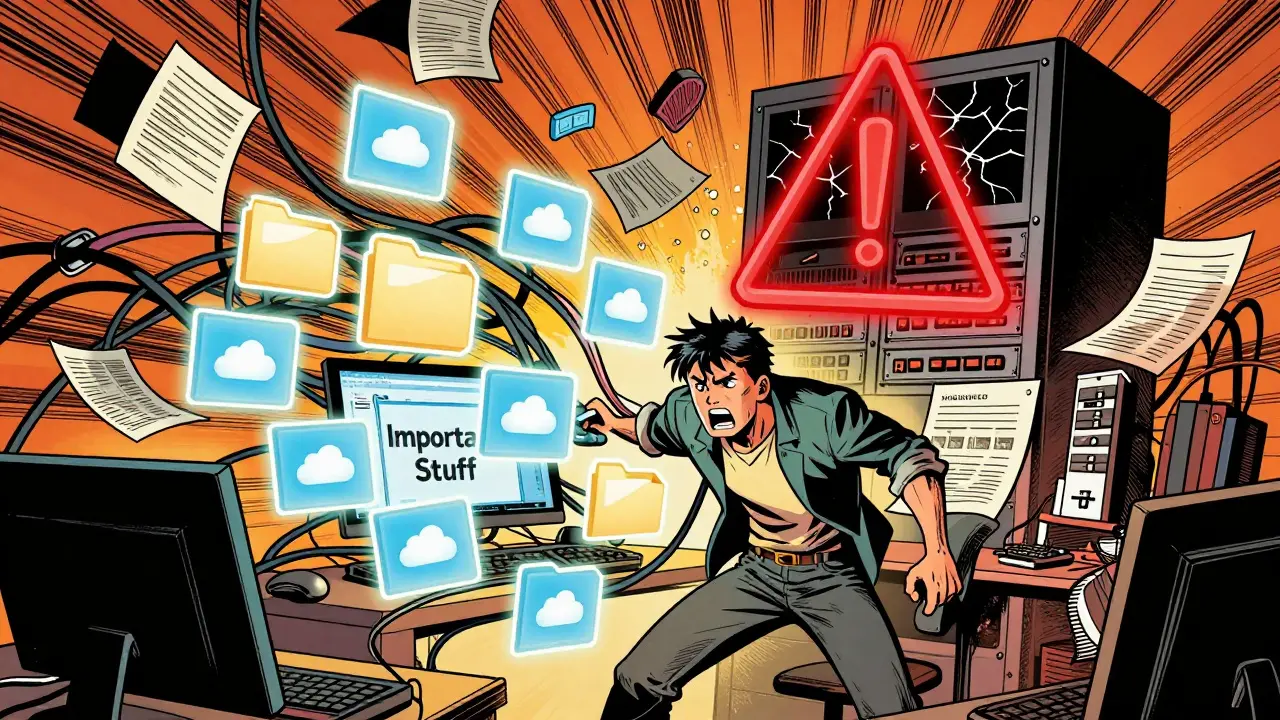
We all know the drill. You create a shared Google Doc or a Dropbox folder labeled "Important Stuff." You dump your mortgage statements, vehicle titles, and medical records into it. It feels organized until you realize anyone with the link can see everything, or worse, the account gets locked out when you forget a password. The problem isn't just clutter; it is a fundamental mismatch between how we store data and how we need to protect it.
The Illusion of Security in Shared Documents
When you upload a PDF of your birth certificate to a standard shared document service, you are trusting that company’s security protocols entirely. These platforms use server-side encryption, which means they hold the keys to your data. While convenient, this creates a single point of failure. If the provider suffers a breach, or if an employee with internal access abuses their privileges, your private information is exposed.
Consider the scenario where you share a folder with a trusted family member to help them manage bills while you are on a long trip. In a traditional setup, that person sees every file in the folder. They might not need to see your tax returns or your passport copy, but there is no way to hide those specific items without creating multiple complex folders. This lack of granularity forces you to choose between convenience and privacy.
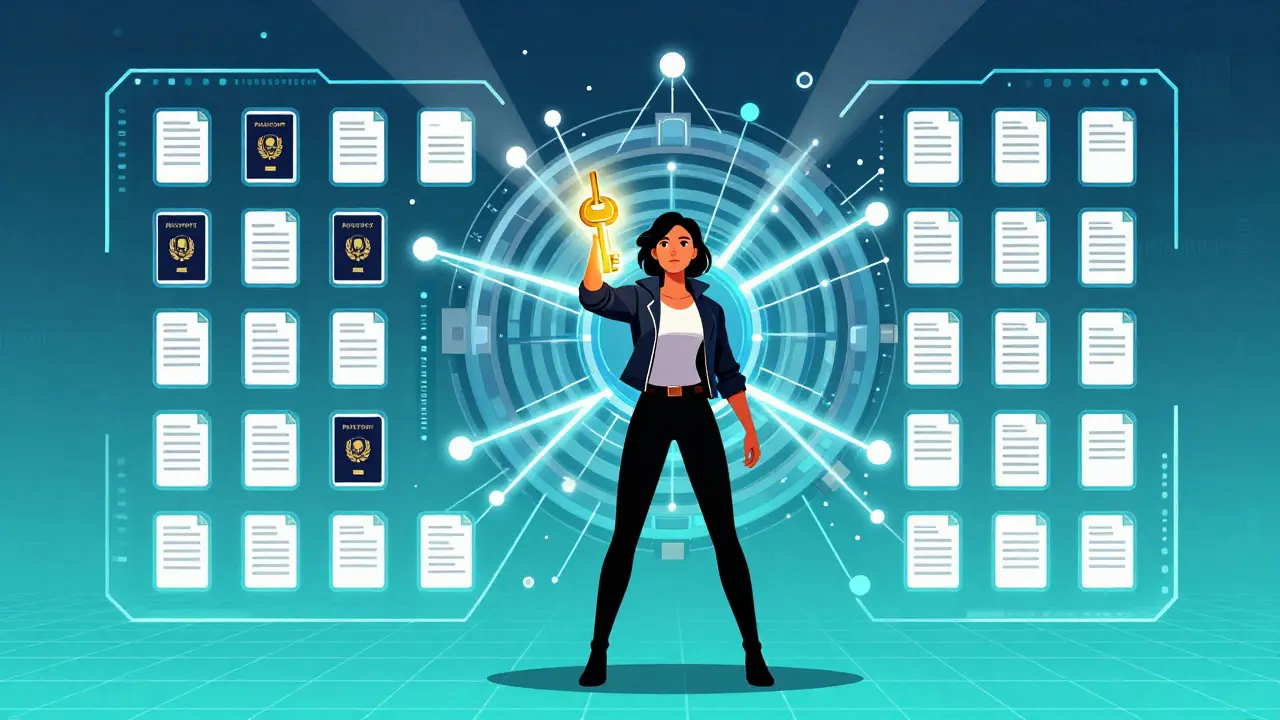
A digital vault is a secure, encrypted repository designed specifically for protecting sensitive personal and household documents with granular access controls. Unlike a shared doc, a digital vault treats each document as a separate asset with its own permissions. This distinction matters because your household contains a mix of public-facing info (like Wi-Fi passwords) and highly sensitive legal papers (like property deeds). Mixing them in one bucket is a risk most people take without realizing it.
Why Decentralized Storage Changes the Game
Beyond immediate privacy, there is the issue of longevity. What happens to your documents if the company hosting your shared drive goes bankrupt or changes its terms of service? With centralized servers, your data is tied to the lifespan of that business. If they shut down, you lose access unless you have downloaded everything manually-a task few people do until it is too late.
This is where decentralized storage is a method of storing data across a network of computers rather than a single central server, ensuring redundancy and independence from any one provider. By distributing encrypted chunks of your files across a global network, decentralized storage ensures that your documents exist independently of any single corporation. Even if the original app disappears, the underlying data remains intact and accessible via the cryptographic keys you control.
For example, services like Vaulternal utilize networks such as Arweave for permanent storage and IPFS for peer-to-peer distribution. This architecture means your mortgage documents are not sitting on a vulnerable corporate hard drive. They are anchored on-chain and distributed globally. You get the ease of a cloud interface with the durability of a library archive. You are not renting space on someone else's server; you are securing your data in a way that outlasts trends and business cycles.
Conditional Access: Sharing Without Compromise
The biggest flaw in shared documents is the binary nature of access: you either share the whole folder, or you don't. Real life is rarely that simple. Sometimes you need a babysitter to have access to emergency contacts and house codes, but you definitely do not want them seeing your bank statements. Other times, you might be traveling and need your partner to access a specific insurance claim form for three days, after which access should automatically revoke.
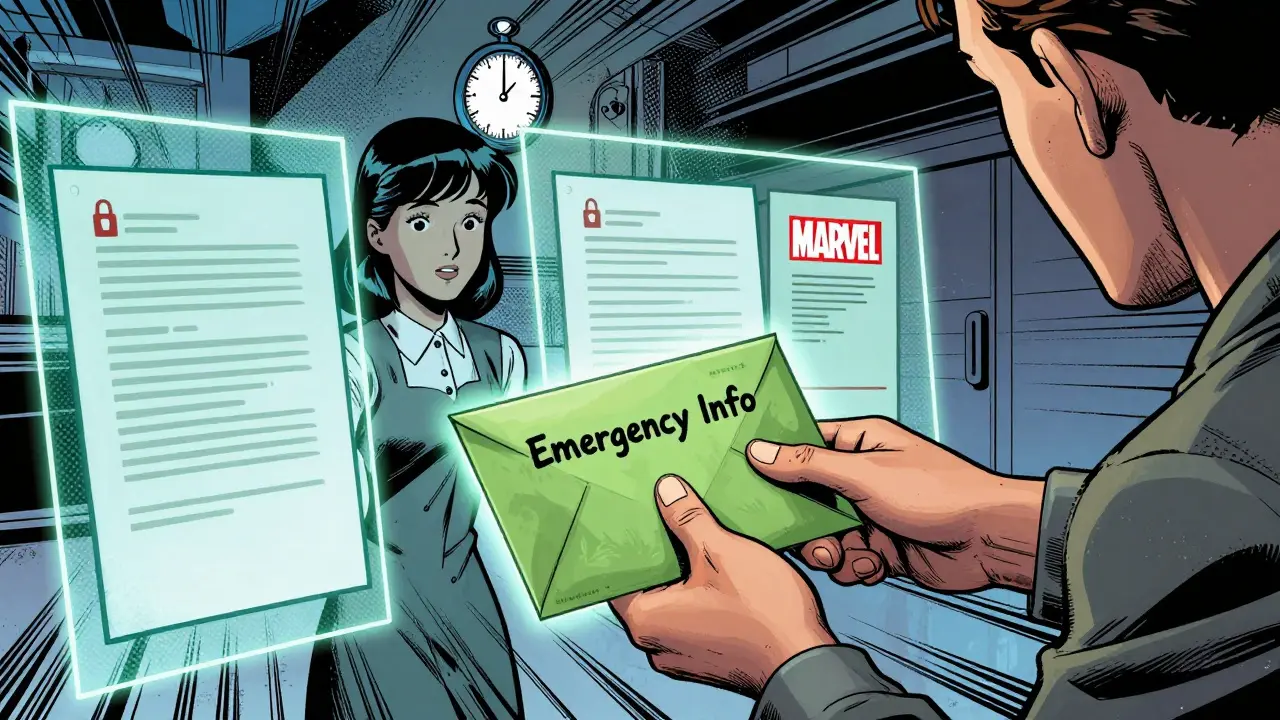
This requires a system of conditional access continuity. Instead of handing over a master key, you grant specific permissions based on triggers you define. You can set time-based limits, inactivity timeouts, or manual release conditions. For instance, you could configure a "babysitter packet" that includes only the necessary household info and expires after the weekend. Or, you could set up a trigger that releases a specific document to a trusted contact if you are unreachable for a scheduled period, such as during a solo hiking trip.
Vaulternal implements this through an access trigger system. You encrypt your documents on your device before they ever leave your hands. Then, you assign recipients and conditions. If you share a vehicle title with a family member so they can handle a registration renewal while you are away, you can set that access to expire once the task is done. This precision eliminates the anxiety of leaving your entire digital life open to others.
Building Your Digital Household Binder
If you are moving away from shared docs, what should go into your new system? Think of it as a digital binder that lives securely online. Start with the documents that cause the most stress when lost or misplaced:
- Identity Documents: Passports, driver’s licenses, and birth certificates. These are critical for travel and emergencies.
- Financial Records: Mortgage agreements, loan statements, and investment summaries. Keep these updated annually.
- Insurance Policies: Home, auto, and health insurance details. Include policy numbers and direct contact info for claims adjusters.
- Medical Information: Vaccination records for kids, chronic condition management plans, and preferred doctor contacts.
- Household Codes: Wi-Fi passwords, smart lock codes, and alarm system PINs. This is where password storage is the practice of securely saving login credentials and access codes in an encrypted format to prevent unauthorized access. becomes vital.
Organize these by category, not by date. Create clear labels like "Home Insurance" or "Kids' Medical." Update the vault whenever you renew a policy or change a password. The goal is to have a single source of truth that is always current. When you need to share something, you are pulling from a verified, organized structure rather than digging through years of unsorted uploads.
Making the Switch Safely
Transitioning from a shared drive to a secure vault does not have to be overwhelming. Start with the most sensitive documents first. Upload your current insurance policies and financial statements. Set up your primary trusted contact-perhaps a spouse or adult child-and test the sharing features. Send them a low-stakes document, like a utility bill, to ensure they can open it easily.
Remember that client-side encryption means you are responsible for your keys. If you lose your password, even the service provider cannot recover your data. This is a feature, not a bug; it guarantees zero-knowledge privacy. However, it requires discipline. Write down your recovery phrases in a physical, secure location, separate from your devices.
Once you are comfortable, migrate the rest of your "Important Stuff" folder. Delete the old shared links. The peace of mind that comes from knowing your documents are encrypted, distributed, and accessible only to whom you choose is worth the initial effort. You are not just organizing files; you are building a resilient infrastructure for your family's information.
| Feature | Shared Google Doc / Drive | Vaulternal Vault |
|---|---|---|
| Encryption Type | Server-side (Provider holds keys) | Client-side AES-256 (User holds keys) |
| Access Control | Folders only (All-or-nothing) | Per-document with conditional triggers |
| Storage Architecture | Centralized Corporate Servers | Distributed (Arweave, IPFS, Polygon) |
| Data Longevity | Tied to company lifespan | Persistent beyond app existence |
| Privacy Model | Zero-knowledge not guaranteed | True Zero-Knowledge Architecture |
For families ready to move beyond the risks of shared documents, exploring a solution like keeping important papers in a Vaulternal vault offers a practical path forward. It combines the simplicity of cloud access with the robustness of decentralized technology, ensuring your family's most critical information is safe, organized, and available exactly when you need it.
Is it safer to keep documents in a digital vault or a physical safe?
A digital vault with client-side encryption is often safer for accessibility and redundancy. Physical safes can be damaged by fire, flood, or theft, and documents inside are not searchable. A digital vault allows instant retrieval from anywhere and uses distributed storage to prevent data loss, provided you secure your access keys properly.
What happens if I forget my password to the vault?
Because Vaulternal uses zero-knowledge architecture, the company cannot reset your password or decrypt your files. You must use your recovery phrase or backup keys to regain access. This is why it is crucial to store your recovery information in a secure, offline location when you first set up the account.
Can I share different documents with different people?
Yes. Unlike shared folders where everyone sees everything, a digital vault allows per-document sharing. You can give your partner access to financial records while giving a babysitter access only to emergency contacts and house codes. Each recipient receives a unique encrypted key for the specific items you share.
How does decentralized storage protect my data long-term?
Decentralized storage spreads your encrypted file chunks across many independent nodes globally. This means no single server failure or company shutdown can erase your data. Services like Arweave charge a one-time fee for permanent storage, ensuring your documents remain accessible as long as the network exists, independent of the app provider.
Do I need technical skills to use conditional access triggers?
No. The interface is designed for everyday users. You simply select the document, choose the recipient, and pick a condition from a menu, such as "expire after 7 days" or "release if I am inactive for 48 hours." The complex cryptography happens in the background, requiring no coding or technical knowledge from you.

Look, I don't care about your little digital hoarding obsession. Real men keep their papers in a physical safe under the bed. If you need to access them, you walk over there. It builds character. This whole 'cloud' thing is just a way for tech bros to sell us subscriptions for something we already have. Stop trying to complicate life with fancy encryption and blockchain nonsense. Keep it simple. Keep it analog. And stop whining about convenience.
Oh wow, what a breath of fresh air this perspective is. Not. 😂 Seriously though, Dan, if your house burns down while you're on vacation, your 'character building' safe melts into a puddle of regret. I get the nostalgia for paper, but let's be real-nobody wants to dig through ash looking for a mortgage deed. The article makes a solid point about accessibility without sacrificing security. It’s not about being a tech bro; it’s about not losing your mind when you need a document at 2 AM.
The problem isn't Google or Dropbox. The problem is that these centralized servers are backdoors for foreign intelligence agencies. You think they can't see your tax returns? They can. Decentralized storage sounds like a nice idea until you realize the nodes could be compromised by state actors. I stick to encrypted USB drives buried in my backyard. At least then I control the physical medium. Trust no one, especially not the cloud.
Lee u r paranoid as hell lol but also kinda right about privacy. However burying usb drives is dumb because moles eat cables. The article talks about zero-knowledge architecture which means even the company cant see ur stuff. Thats better than trusting a guy with a shovel. Also decentralized networks are harder to hack than one big server farm. Just saying. 🤷♀️
It is absolutely imperative that individuals understand the gravity of data mismanagement. :warning: Most people are simply too lazy to organize their lives properly. They dump files into a shared folder and expect magic to happen. This is a failure of personal discipline, not technology. A proper filing system requires effort, precision, and an understanding of hierarchy. Do not blame the tool for your incompetence. :file_cabinet:
Erik, you’re missing the point entirely. It’s not about laziness; it’s about usability. Shared docs are easy, which is why everyone uses them. The issue is that ease of use comes at the cost of security granularity. You can’t give someone access to just one file in a standard drive folder without sharing the whole folder. That’s a structural flaw, not a user error. We need tools that match how families actually interact with information, not rigid corporate structures.
I disagree with everything here. Shared Google Docs are fine. My family has been using them for years and nothing bad has happened. The fear-mongering around data breaches is overblown. Unless you are a politician or a celebrity, nobody cares about your birth certificate. Stop creating problems where there are none. Simplicity wins every time.
Sylvia, that is such a risky mindset! Imagine if your account got hacked and someone changed the password. Or worse, if you accidentally deleted the folder. It happens to the best of us. The peace of mind from having a dedicated vault is worth so much more than the minor inconvenience of setting it up. It’s like wearing a seatbelt-you hope you never need it, but you’re glad it’s there.
This articl is full of buzzwords. Decentralized? Blockchain? Please. These are just marketing terms to scare people into paying for premium services. In reality, most of these 'vaults' are just rebranded cloud storage with a higher price tag. The average user doesn't understand cryptography, so they trust the brand. It's a scam. Stick to free tools and learn basic security hygiene.
Dinesh, you seem very cynical. But consider this: traditional cloud providers hold the keys. That means they *can* read your data if compelled by law or if they suffer a breach. Decentralized storage with client-side encryption changes that dynamic. You hold the keys. Even if the service provider goes bankrupt, your data remains accessible via the network. It’s not just marketing; it’s a fundamental shift in ownership. 🌐
Let’s look at the practical side here. The conditional access feature mentioned in the post is genuinely useful. Being able to grant temporary access to a babysitter or a contractor without giving them the master key is a game-changer. It reduces risk significantly. Instead of arguing about ideology, focus on the utility. Does it solve a problem? Yes. Is it secure? Yes. That’s all that matters.
Alexander makes a good point. In India, we often share sensitive documents via WhatsApp or email for quick transactions. It’s convenient but risky. Having granular control over who sees what and for how long would be very helpful. The concept of a 'digital binder' organized by category rather than date also appeals to me. It seems like a logical next step for family document management.
U guys r obsessed with privacy. Its boring. Just upload everything and forget about it. If hackers want ur tax returns, let them have it. Maybe theyll pay u for the info. Life is short, dont waste time encrypting files. Use emojis instead. 😎🔥
Karthikeyan, that is terrible advice. Identity theft is a huge problem and recovering from it takes months. Protecting your documents is basic self-respect. I used to be casual about it too, but after seeing how easy it is to lose access to accounts, I switched to a more secure method. It’s not boring; it’s responsible. Plus, the interface for these new vaults is pretty intuitive now.
I tried one of these vault apps last year. Forgot my recovery phrase. Lost everything. Customer support couldn’t help because of 'zero-knowledge.' What a joke. Now I just print everything out and put it in a fireproof box. Technology fails. Paper lasts. Don’t bet your family’s future on a startup’s code.
Brad, that is heartbreaking. Losing access to important documents is stressful. But the solution isn’t to abandon security; it’s to be more disciplined with backups. Write the recovery phrase on metal plates and store them in separate locations. Zero-knowledge is a feature, not a bug-it ensures only you can access your data. With proper backup habits, digital vaults are far safer than physical boxes that can burn or flood.
You people are making this too complicated. If you can’t remember a password, you shouldn’t be handling sensitive data. It’s that simple. The article suggests writing down recovery phrases, which is obvious. If you lose that, you deserve what you get. Security requires responsibility. Stop looking for excuses.
Verna, while accountability is important, human error is inevitable. Good systems anticipate mistakes. The goal of modern security tools is to balance robust protection with usability. Requiring users to manage complex cryptographic keys without any safety net is poor design. The best solutions offer multiple backup methods and clear guidance, reducing the burden on the user while maintaining high security standards.
Hey folks, just wanted to say thanks for the discussion. I was struggling with organizing my kids medical records and insurance policies. The idea of conditional access really clicked for me. I can share specific docs with my wife when shes traveling alone without giving her access to my financial stuff. Sounds like a win-win. Gonna try migrating some files soon. 👍