
Multi-Recipient Sharing in Vaulternal: How Per-Recipient Encrypted Keys Work
Most cloud storage treats sharing like a digital room: you invite a few people in, and they all see the same thing using the same access permissions. But what happens if you need different people to get access to the same file, but only under very different conditions? That is where Vaulternal is a zero-knowledge encrypted file vault platform that specializes in conditional file delivery with per-recipient encryption keys changes the game. Instead of one shared lock, it creates unique locks for every person you choose.Key Takeaways
- Unique Keys: Every recipient gets their own cryptographically distinct version of the file.
- Conditional Access: You decide exactly when a recipient can unlock their version (e.g., after 30 days of inactivity).
- Zero-Knowledge: Vaulternal cannot read your files or recover them for you.
- Distributed Storage: Files live on Arweave and IPFS, anchored by Polygon metadata.
The Logic Behind Per-Recipient Encryption
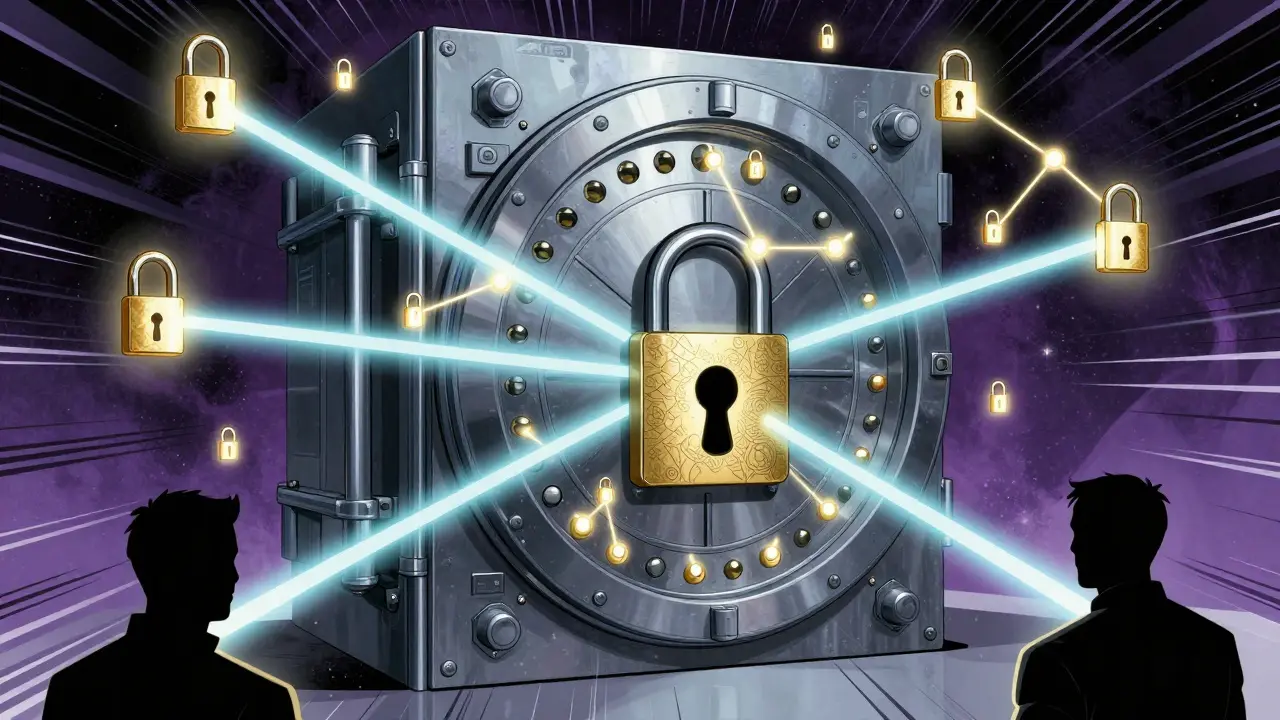
In a standard shared folder, the system usually encrypts a file once and then shares the decryption key with a group. If one person's account is compromised, the file is exposed for everyone. Vaulternal handles this differently. It uses asymmetric encryption principles to ensure that each single recipient is treated as a unique entity. When you share a file with three different people, the platform doesn't just send a link. It essentially creates three separate encrypted versions of that file, each locked with the specific public key of the recipient. This means the recipient only needs their own private key to get the data. If Recipient A manages to steal Recipient B's access link, it won't matter because Recipient A doesn't have Recipient B's private key. This architecture ensures that access is not just about "who has the link," but "who has the correct key."How Conditional Access Continuity Works
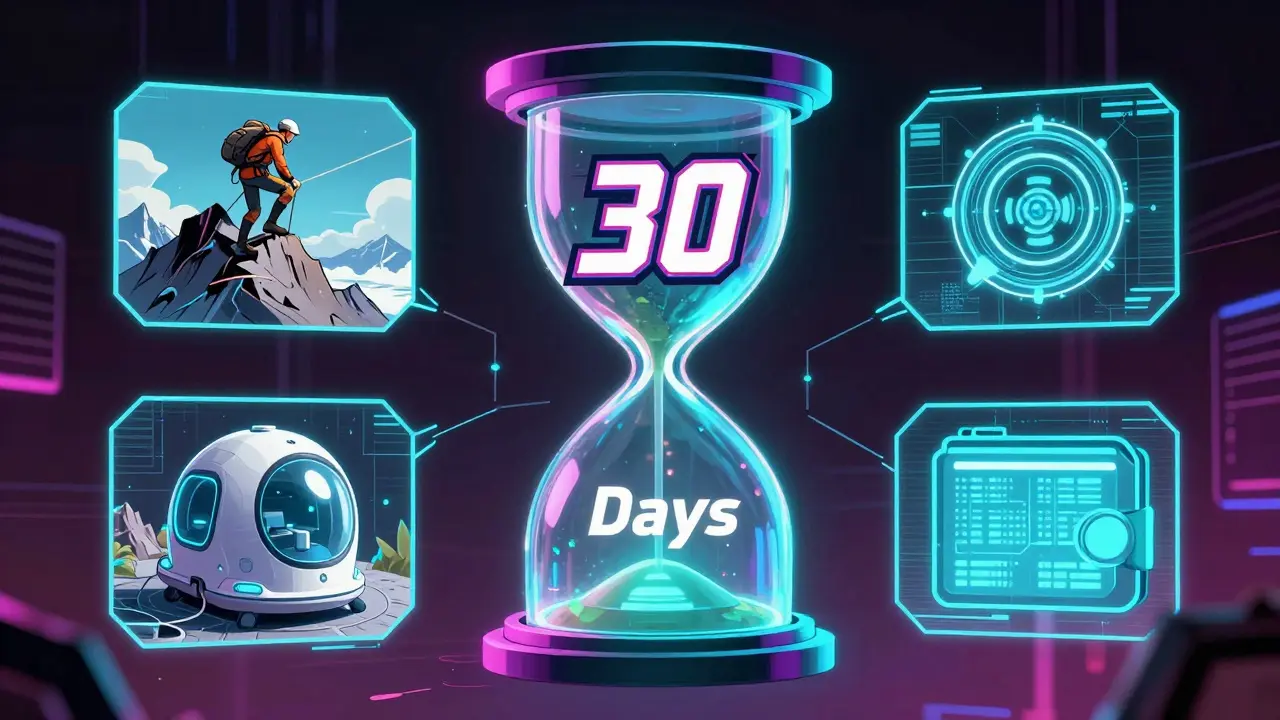
Sharing isn't just about who gets the file, but *when* they get it. This is what the platform calls conditional access continuity. You can set specific triggers that must be met before the per-recipient key is released. This is incredibly useful for scenarios where you might be temporarily unreachable, such as during a long international expedition or a scheduled medical procedure where you won't have phone access for a few weeks. There are several ways to trigger this release:- Inactivity Triggers: The file is released to a trusted contact if you haven't checked into your account for a set period. For example, if you're on a remote sabbatical and don't log in for 30 days, your partner could automatically receive the documents they need.
- Time-Based Triggers: You can schedule a file to be accessible on a specific future date. Think of it as a digital time-capsule or a birthday note sent to a friend months in advance.
- Manual Release: You can trigger the delivery yourself but set a cancellation window to ensure the process is intentional.
- On-Chain Signals: Because the system uses Polygon is a layer-2 scaling solution for Ethereum used by Vaulternal for on-chain metadata anchoring , it can trigger delivery based on wallet activity on a public blockchain.
Distributed Infrastructure and Security
Because this system deals with sensitive keys, it doesn't rely on a single corporate server that could be hacked or go bankrupt. Instead, it uses a distributed stack. The actual file data is stored using Arweave is a decentralized protocol for permanent data storage for permanence and IPFS is the InterPlanetary File System, a peer-to-peer hypermedia protocol for efficient distribution. On top of this, the platform uses client-side AES-256 encryption (specifically AES-256-GCM). This means the encryption happens on your device before the file ever touches the internet. The files are chunked and integrity-hashed, ensuring that not a single bit of data is altered during the process. Since it is a zero-knowledge architecture, the team at Vaulternal has no way to see your files or reset your password. If you lose your keys, the data is gone-unless you've set up a recovery trigger.| Feature | Free | Starter | Pro |
|---|---|---|---|
| Storage | Limited | Unlimited | Unlimited |
| Monthly Price (Billed Annual) | $0 | $8.33 | $15.00 |
| Per-Recipient Keys | Yes | Yes | Yes |
| Conditional Triggers | Yes | Yes | Yes |
Practical Scenarios for Multi-Recipient Sharing
When do you actually use per-recipient encrypted keys? It's mostly for situations where you need to delegate access without giving away your master password or compromising your entire vault. Imagine you are a project lead transitioning a role to a new manager. You can set up a folder with all the critical project credentials and technical docs. Instead of emailing them in a risky PDF, you use Vaulternal. You encrypt the folder for the new manager and set a manual release trigger. If the handover happens on Monday, you hit the trigger. If the transition is delayed, the files stay locked and secure. Another scenario involves a planned handover for a contractor offboarding. You can give them access to the final deliverables they need, but set a time-based trigger so their access expires or is only granted at the moment of the final payment confirmation. By using separate keys for each contractor, you ensure that Contractor A cannot peek into the files meant for Contractor B.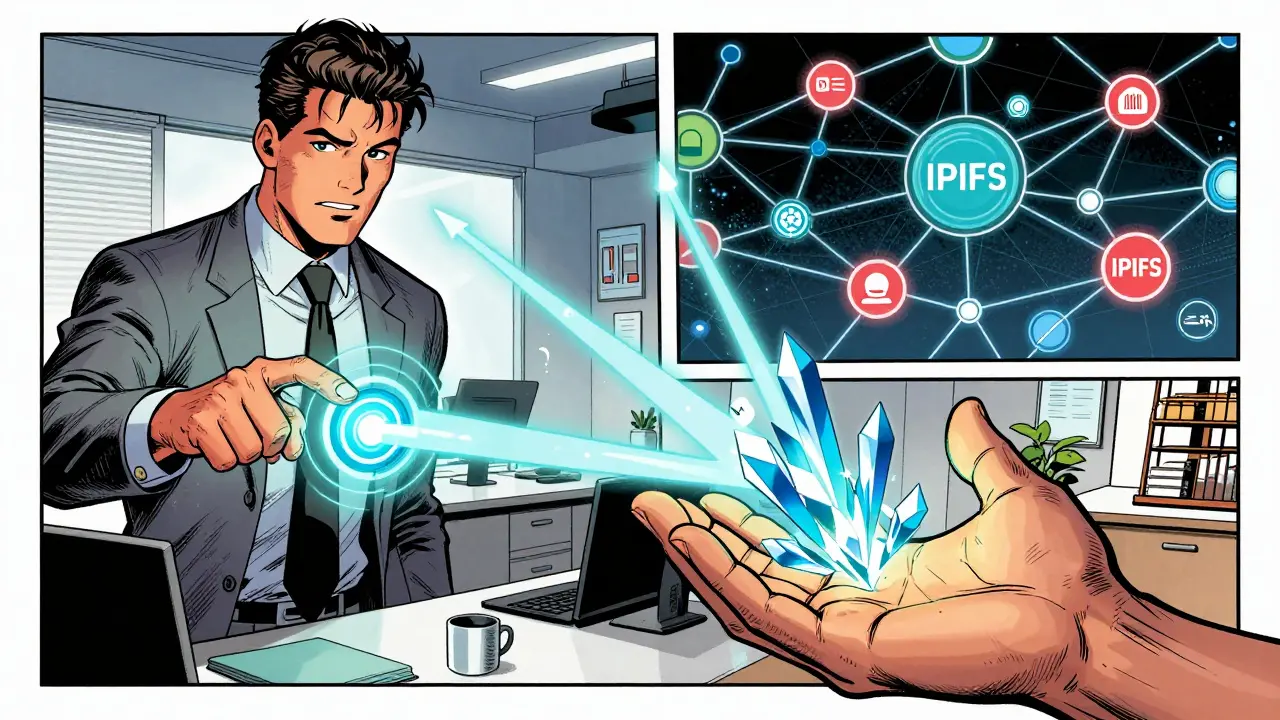
Recovering Your Own Vault
One of the most clever uses of the per-recipient system is account recovery. Usually, zero-knowledge vaults are terrifying because if you lose your key, you're locked out forever. Vaulternal solves this by treating the master key as just another file that can be shared. You can encrypt your own master recovery key and assign it to a trusted contact. You then set an inactivity trigger. If you don't log in for, say, 60 days, the system delivers your master key to that trusted person. They can then use it to help you get back into your account. This creates a safety net that doesn't require you to trust a company with your password, but rather trusts a human you actually know. For more technical details on how the chunks and hashes are handled, you can check out the architecture page at vaulternal.com/en/architecture/.Can the Vaulternal team recover my files if I lose my key?
No. Because of the zero-knowledge architecture, encryption happens on your device. The company does not have access to your private keys and therefore cannot decrypt your files.
What happens if I want to change a trigger after I've set it?
You can modify your triggers as long as the trigger hasn't already fired. If you've set a manual release with a cancellation window, you can cancel the delivery within that timeframe.
Is the storage really permanent?
Vaulternal utilizes Arweave for storage, which is designed for permanent data preservation. This means your encrypted files aren't sitting on a standard server that can be wiped or deleted by a provider.
How does the blockchain trigger actually work?
The platform uses Polygon to anchor metadata. It can monitor for specific signals-like a wallet becoming inactive or a specific transaction occurring-and use that on-chain event to trigger the release of the decryption key to the recipient.
Do recipients need a Vaulternal account to receive files?
Recipients must be able to handle the decryption process using the keys provided by the system. The platform manages the delivery of these keys based on the triggers you define.
Next Steps for New Users
If you're just getting started at vaulternal.com, don't just upload files and forget them. Start by mapping out who needs what and when.- For Freelancers: Set up project-specific folders with manual release triggers tied to your final invoice dates.
- For Remote Workers: Establish an inactivity trigger (e.g., 30 days) that grants a partner or colleague access to your emergency contact list and critical project docs.
- For Security Conscious Users: Immediately set up the recovery trigger to a trusted contact so you aren't one lost password away from losing your entire vault.




This sounds like a really good way to keep stuff safe if you aren't great with passwords.
Oh wow, groundbreaking. Using asymmetric encryption for sharing. Truly a revolutionary concept that definitely hasn't existed for decades. 🙄
I love this idea!!! It's so smart to have a backup plan for your data!!! Great job on the explanation!!!
There is something deeply poetic about a digital time-capsule. We spend so much of our lives rushing toward the future, yet we rarely leave a trail that actually means something to the people we leave behind.
The idea of a "dead man's switch" for your data isn't just about security, it's about the continuity of our existence in a world that's increasingly ephemeral. It forces us to think about what's actually worth saving and who we trust with our most intimate secrets. It's like writing a letter to someone you might never see again, but the letter only opens when the universe decides it's time. This shift from centralized control to distributed trust is exactly the kind of evolution we need in the digital age to maintain our humanity. It transforms a cold piece of software into a vessel for legacy and trust. I can see this becoming a cornerstone for how we handle digital inheritance, moving away from the corporate greed of big tech and back into the hands of the individuals. It's a beautiful way to ensure that our stories don't just vanish into a server farm somewhere when we're gone. Truly a profound way to approach data sovereignty. I'm genuinely moved by the potential for this to create lasting bonds of trust across time.
Most people just don't have the discipline to manage their own keys. It's a facade of security for those who enjoy feeling superior. 🙄
The sheer audacity of presenting basic blockchain anchoring as a transformative event is quite a spectacle. A quaint effort, I suppose, for the masses who find IPFS mysterious.
Wait, so if I use the inactivity trigger, can I basically spy on my ex if they don't log in? 😂 Just kidding! Or am I? 🕵️♂️✨
I'm sure there are better ways to handle this, but this seems like a solid step forward for privacy 🚀💖
Looks pretty straightforward. I like the part about the recovery trigger.
Sick setup ⚡️👍